
Spendella / Knowledge base
Create a goal, add savings or withdraw them
Track savings separately and record movements between a goal and your accounts.
This guide covers the free plan — setting it up yourself takes a minute.Get started free →
Updated 7 September 2026
Where to find it
- On the website
- Menu → Goals.
- On Android
- More → Goals.
Get started free and open this section Sign up in a minute, no card needed. This exact section opens right after.
01
Before you start
A goal shows how much you have saved for a purpose. Adding funds in Spendella is a record. Any real bank transfer is a separate action.
02
What to do
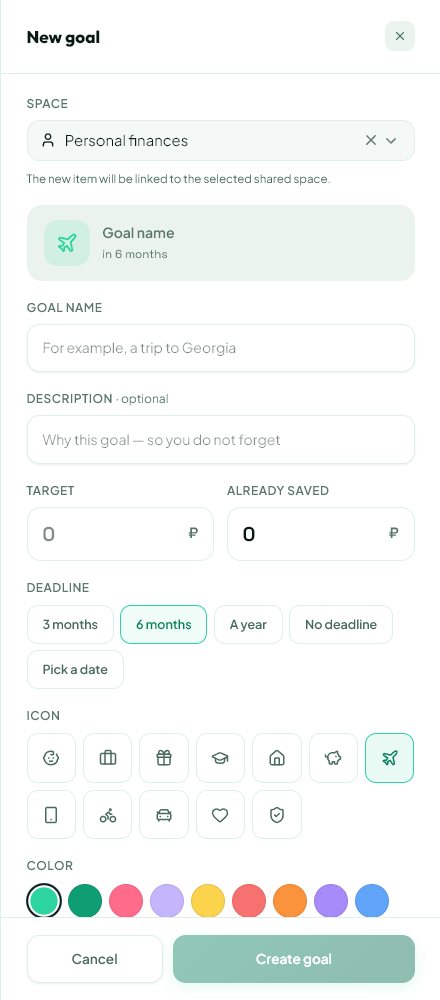
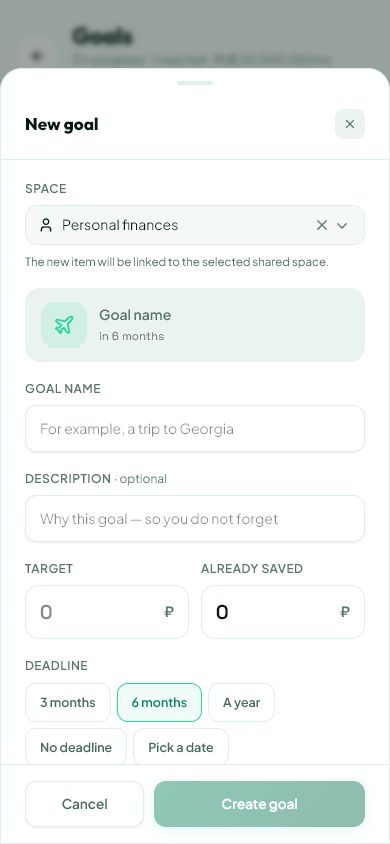
- Create a goal with a name and target amount. Choose a deadline if useful.
- If money is already saved, check the starting amount carefully. Do not record the same savings again as a contribution.
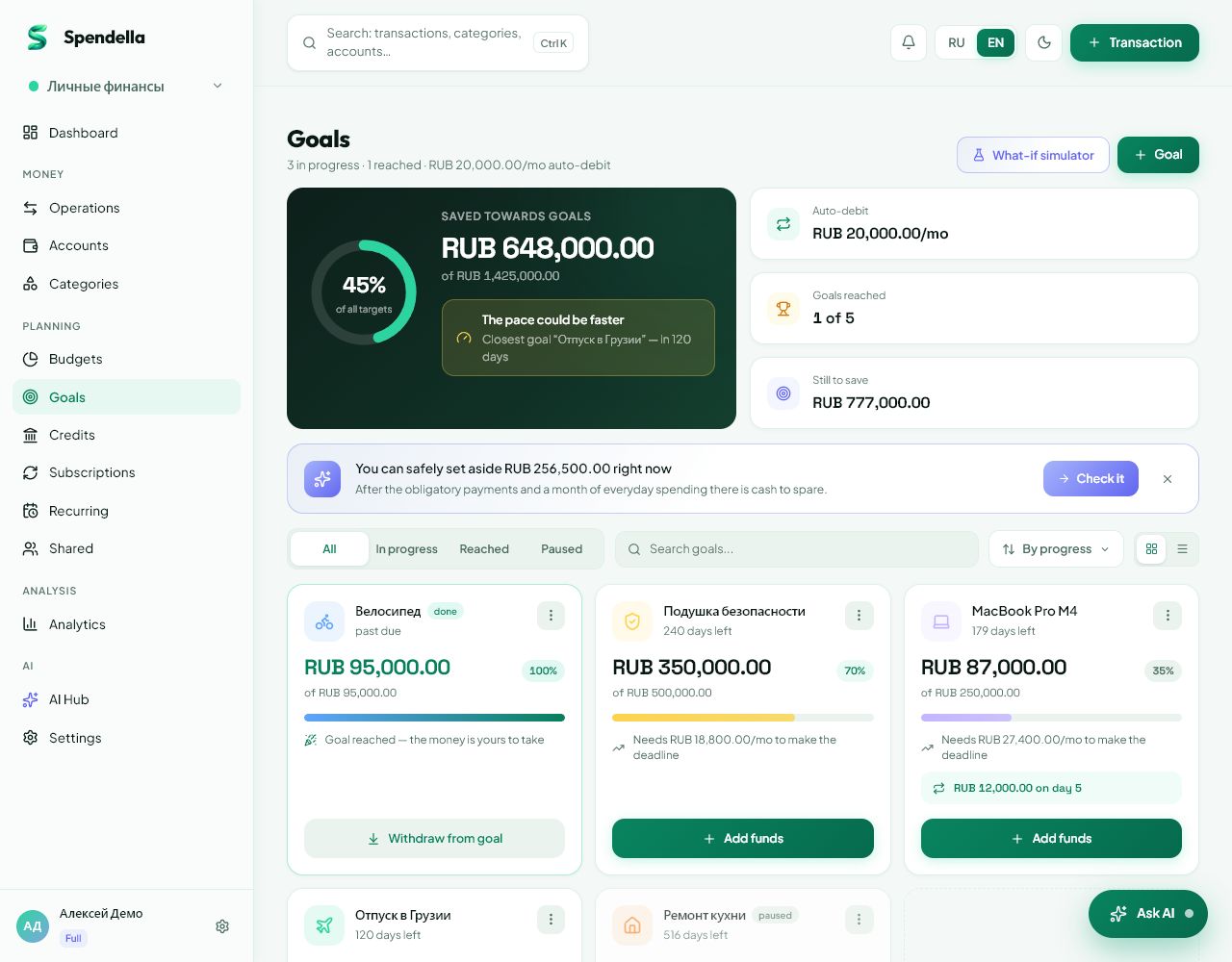
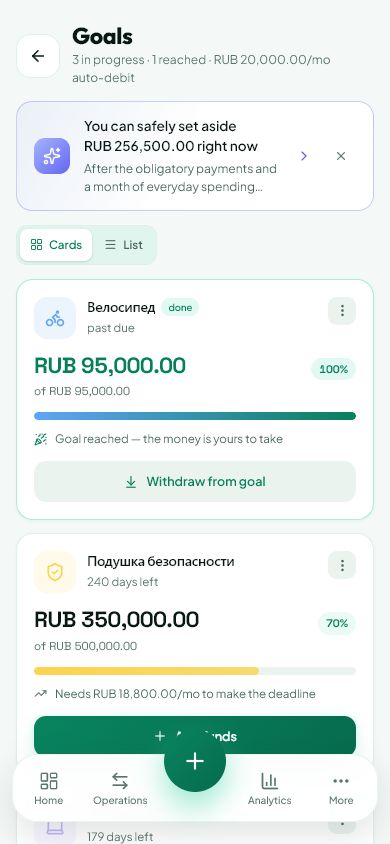
- For a new contribution, choose add funds, enter the amount and select your source account.
- When using the savings, choose withdrawal and the account that receives the money in your records.
- Before deleting a goal, deal with its balance. A goal holding money cannot simply be deleted.
03
If something goes wrong
- Account missing from the selector: check that it is your ordinary account rather than another goal.
- Goal cannot be deleted: withdraw its balance using the provided action first.
- If the transfer was recorded another way, review history before adding another contribution.
What you should see
Goal progress and account balances reflect recorded contributions and withdrawals.
Try it yourself
Everything above is free.
No time limit, no card. Sign up and we open the section this guide is about.
Still need help?
Tell us which step you got stuck on. Support can help you work through it.
Contact support ↗Contact us without signing in