
Spendella / Knowledge base
How to try a purchase or saving scenario
Before a large purchase, check what remains for your plans. You can close the calculation without changing your records.
This guide covers the free plan — setting it up yourself takes a minute.Get started free →
Updated 8 September 2026
Where to find it
- On the website
- Goals → What if.
- On Android
- More → Goals → What if.
Before you start
This automation is available on Extended and Full. Start with current records: the tool cannot account for money you have not recorded in Spendella.
Steps
- Check account balances, target amounts and required payments: the calculation uses the records you entered.
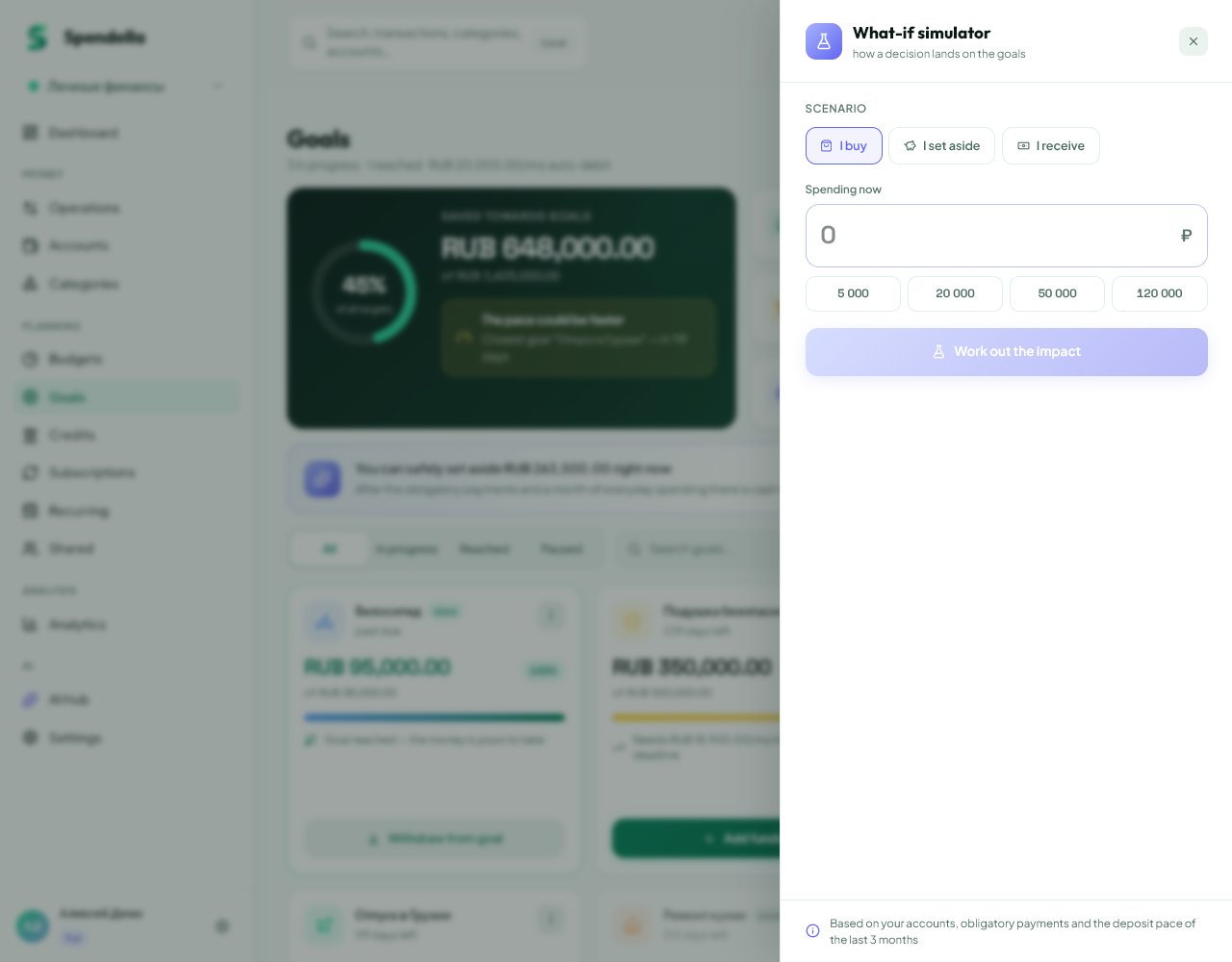
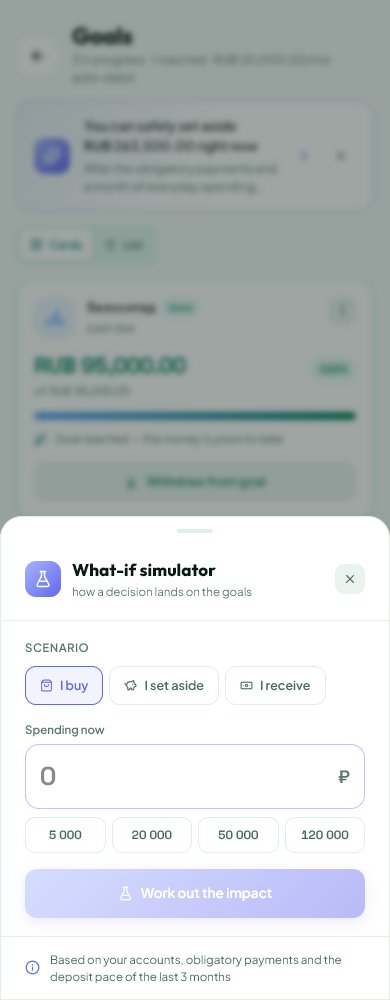
- Open What if and choose Buy, Save or Receive.
- Enter an amount. For example, choose Buy and 20,000 to assess a specific purchase.
- Run the calculation. Read the explanation and changes to goals, rather than relying only on a green or red colour.
- Change the amount to compare alternatives. Calculating does not record a purchase or confirm that income arrived.
- If you decide to distribute money to goals, review the source account and amount before the separate confirmation. Afterwards, check the balance and goal history.
If the result is not what you expected
If the result looks unrealistic, correct the starting balances and commitments first. Check your plan if access is locked. The result is an estimate based on your records, not a promise of future income.
What you should see
You compared a purchase or saving scenario. Records stay unchanged unless you use the separate apply action.
Everything above is free.
No time limit, no card. Sign up and we open the section this guide is about.
Still need help?
Tell us which step you got stuck on. Support can help you work through it.
Contact support ↗Contact us without signing in