
Spendella / Knowledge base
How to read spending patterns, comparisons and forecasts
Read the numbers in order: period, total, reason, action.
This guide covers the free plan — setting it up yourself takes a minute.Get started free →
Updated 8 September 2026
Where to find it
- On the website
- Menu → Analytics.
- On Android
- Analytics in the bottom bar or More.
Get started free and open this section Sign up in a minute, no card needed. This exact section opens right after.
01
Reading the screen
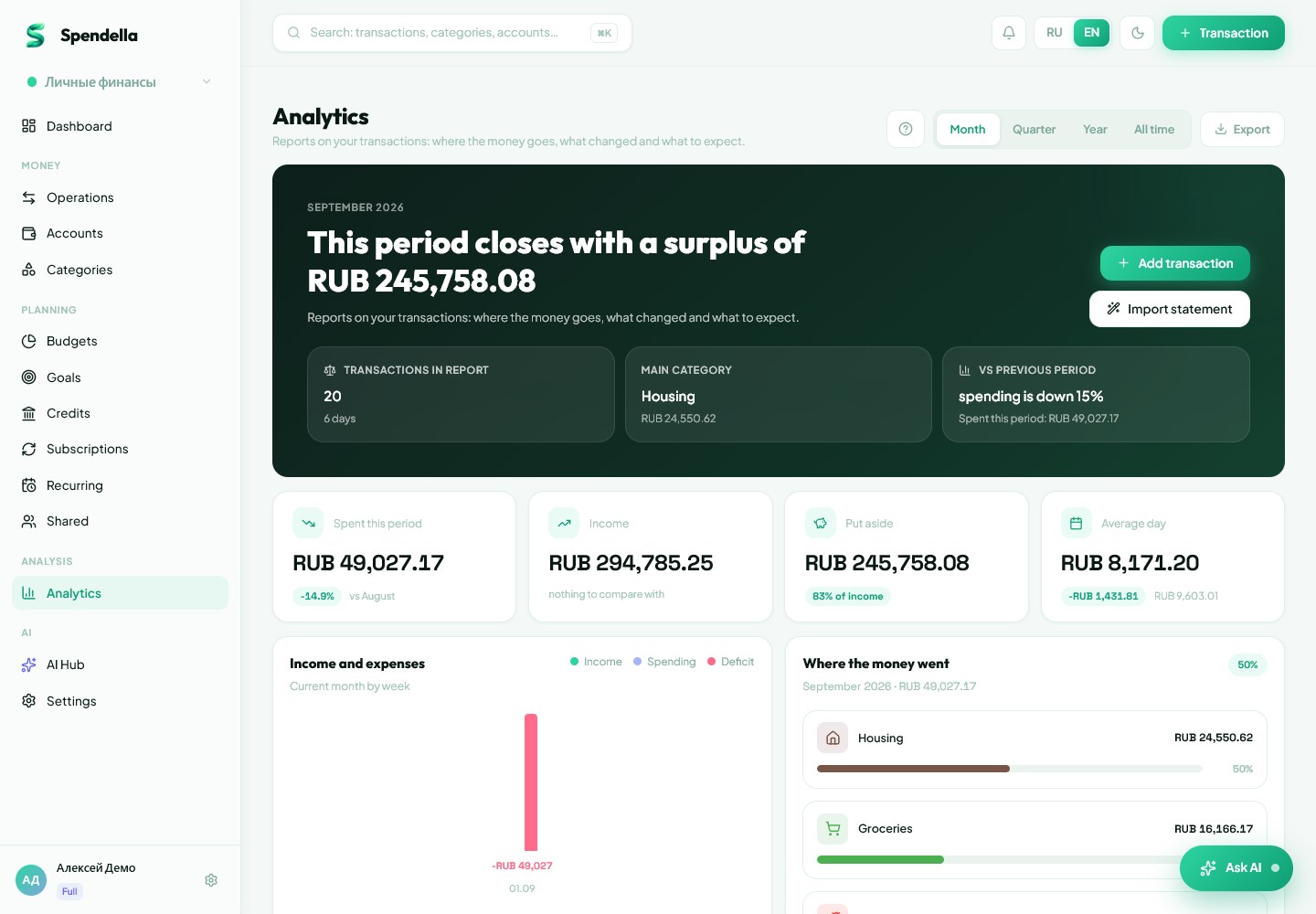
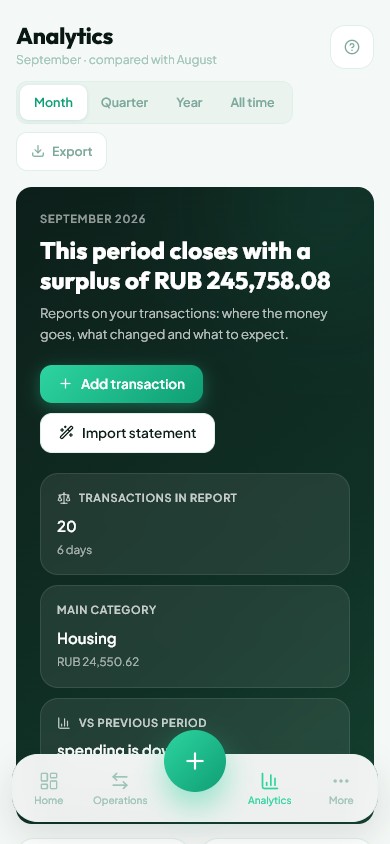
- Choose month, quarter, year or all time. Read the period label first: it determines the totals.
- Compare income and expenses. Their difference for a period is not your current total account balance.
- Find large category totals, then check the merchants and transactions behind them.
- In spending patterns, look for unusually expensive days. One large purchase need not be a new habit.
- Check which periods the comparison uses. An unfinished month needs a different interpretation from two complete months.
- Read the forecast trend and possible risk. No immediate cash gap does not mean a negative trend can be ignored.
- Choose one action: correct a category, revise a limit or check a recurring payment.
02
If the numbers do not match
Check the space, period, currency and completeness of history. Missing income, duplicates and incorrect categories affect the results. Correct the records before refreshing analytics.
What you should see
You understand what changed in your spending and have chosen one check or action.
Try it yourself
Everything above is free.
No time limit, no card. Sign up and we open the section this guide is about.
Still need help?
Tell us which step you got stuck on. Support can help you work through it.
Contact support ↗Contact us without signing in