
Spendella / Knowledge base
How to compare debt payoff strategies
Compare which debt could receive an extra payment. The plan does not send money to a bank.
This guide covers the free plan — setting it up yourself takes a minute.Get started free →
Updated 8 September 2026
Where to find it
- On the website
- Credits → payoff plan.
- On Android
- More → Credits → payoff plan.
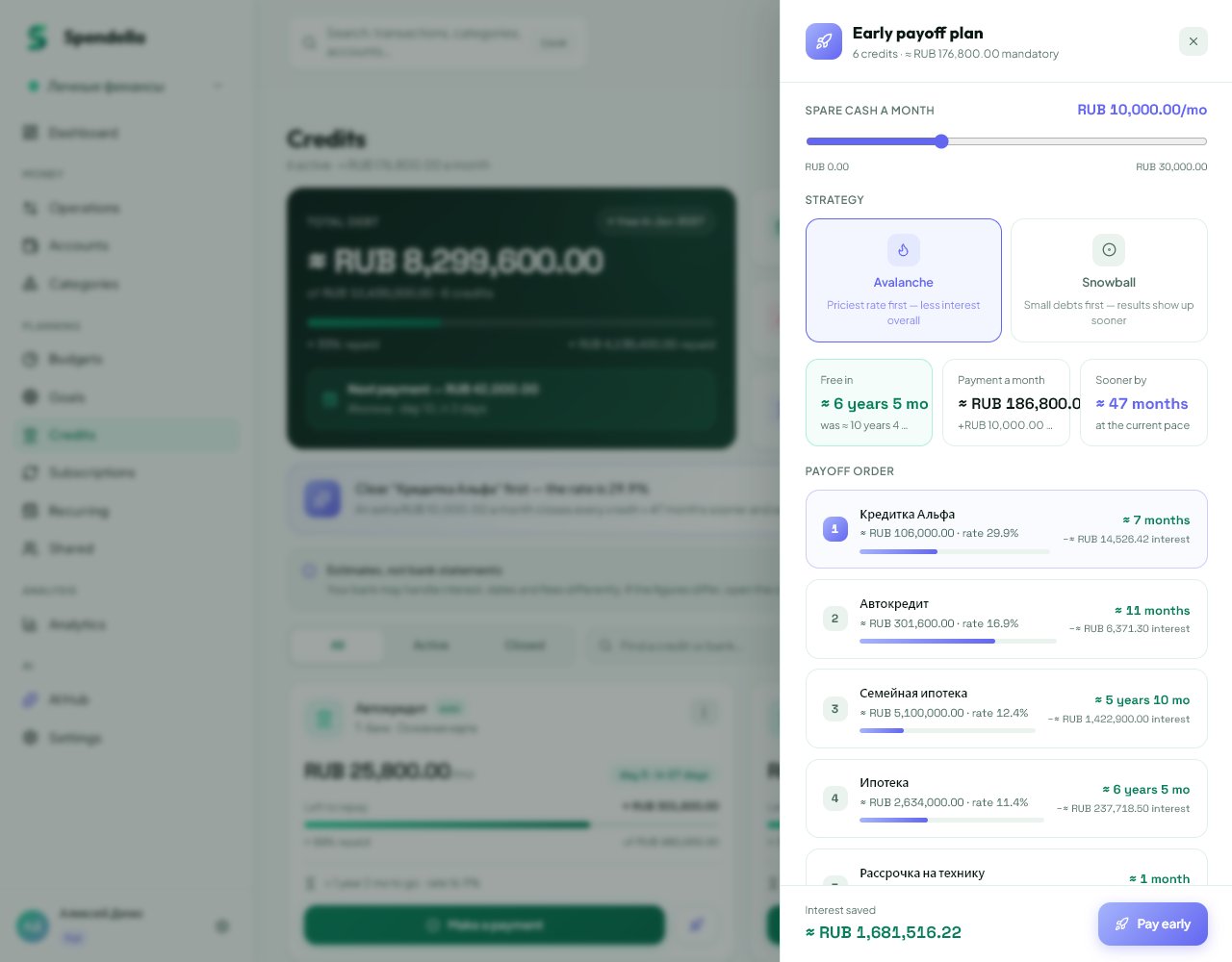
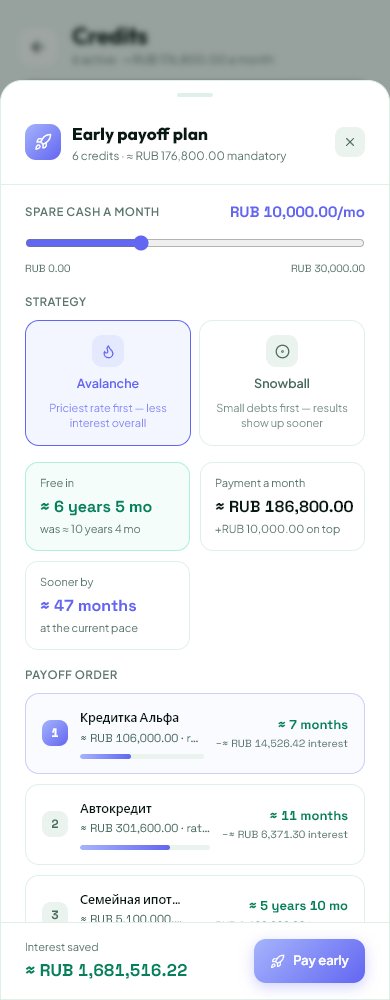
Before you start
This automation is available on Extended and Full. Start with current records: the tool cannot account for money you have not recorded in Spendella.
Steps
- Enter current balances, rates and payments. Paid-off loans should not remain active.
- Open the payoff plan and enter what you can pay on top of normal payments.
- Compare Avalanche and Snowball. Avalanche prioritises a higher rate; Snowball prioritises a smaller balance.
- Review the debt order, estimated duration and interest. Adjust the extra amount to a realistic level.
- When proceeding to early repayment, review the selected loan and details in the separate form.
- Arrange the actual payment with your bank. Record it once afterwards and compare the balance with the bank schedule.
If the result is not what you expected
No extra payment means no acceleration. Dates are approximate: bank terms, fees and payment dates can change the outcome. A plan calculation and recording an actual payment are separate actions.
What you should see
You can see the payoff order and estimated duration for your extra amount. A bank payment still needs a separate action.
Everything above is free.
No time limit, no card. Sign up and we open the section this guide is about.
Still need help?
Tell us which step you got stuck on. Support can help you work through it.
Contact support ↗Contact us without signing in