
Spendella / Knowledge base
Start an emergency fund
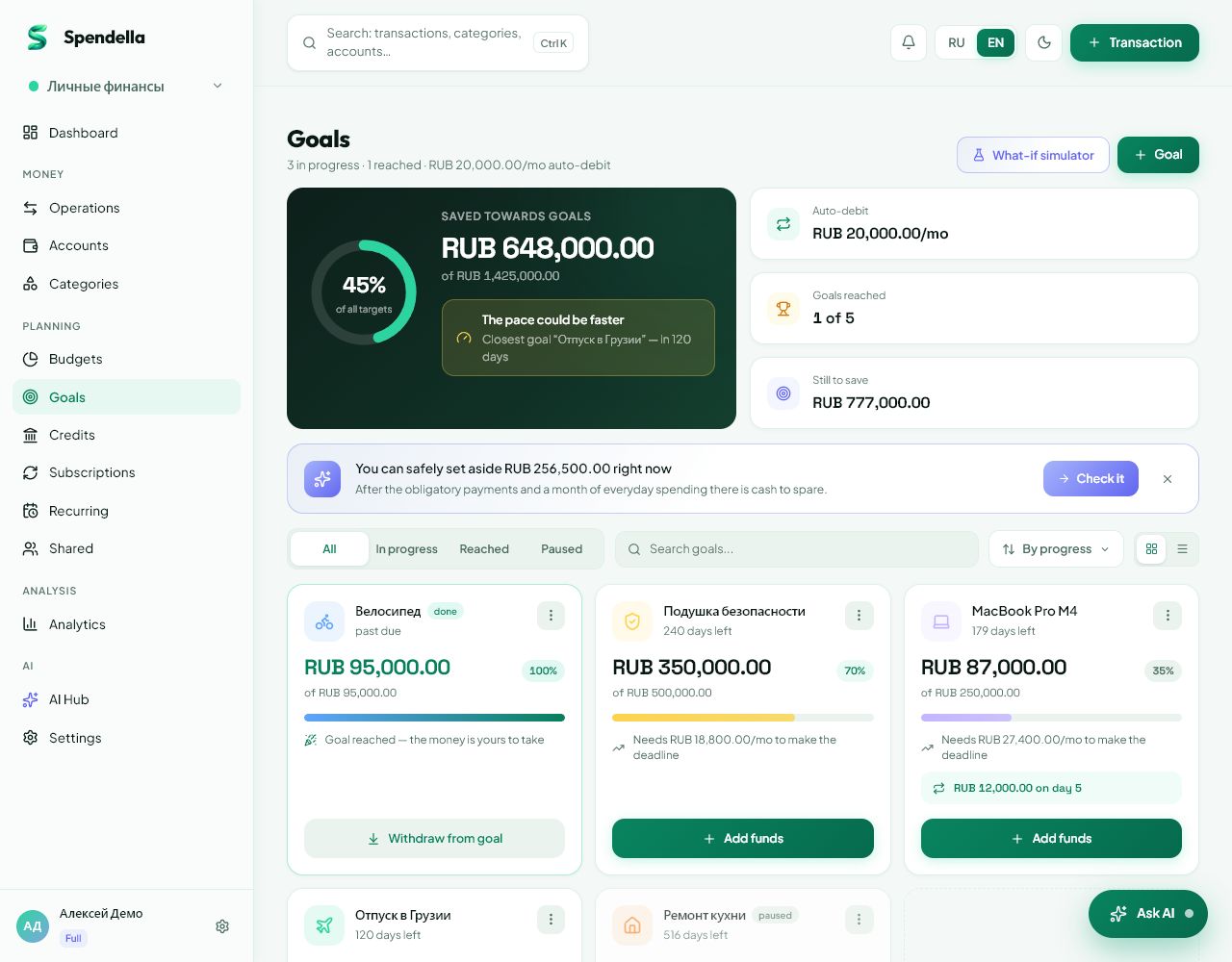
Create a separate goal and record contributions to see your progress.
This guide covers the free plan — setting it up yourself takes a minute.Get started free →
Updated 7 September 2026
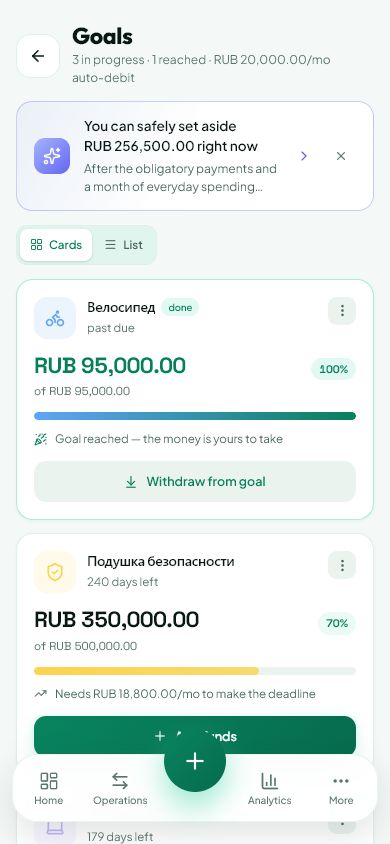
Where to find it
- On the website
- Menu → Goals.
- On Android
- More → Goals.
Get started free and open this section Sign up in a minute, no card needed. This exact section opens right after.
01
Choose a manageable first target
You do not need to plan a huge reserve immediately. Start with enough to cover one particular unexpected expense or part of your essential costs.
- Review usual expenses in Analytics.
- Open Goals and create an “Emergency fund” goal.
- Enter a target amount. If you set a deadline, make sure it is realistic.
02
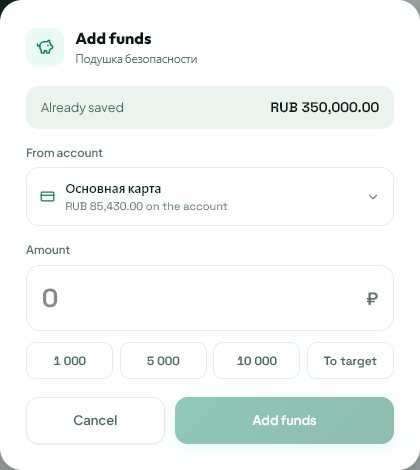
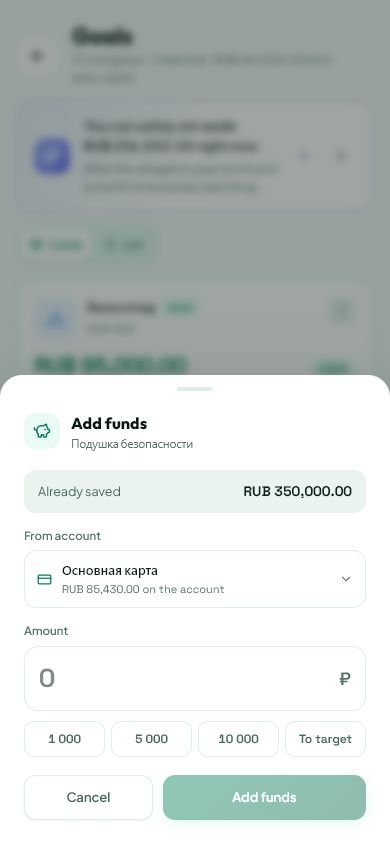
Record actual contributions
A goal tracks savings. Creating one does not transfer money at your bank or open a deposit account.
- Set the money aside in the way that suits you.
- Record the contribution in the goal.
- If you move money between your own accounts, make sure the transfer is not recorded as an ordinary expense.
03
If you need to use the fund
That is what it is for. Your records should reflect what remains rather than the previous total.
- Update your savings after using the money.
- Adjust the deadline if it no longer works.
- Resume with a manageable amount. Consistency is more useful than an overly strict promise.
What you should see
The goal shows progress towards your reserve.
Try it yourself
Everything above is free.
No time limit, no card. Sign up and we open the section this guide is about.
Still need help?
Tell us which step you got stuck on. Support can help you work through it.
Contact support ↗Contact us without signing in