
Spendella / Knowledge base
Data did not update or an error appeared
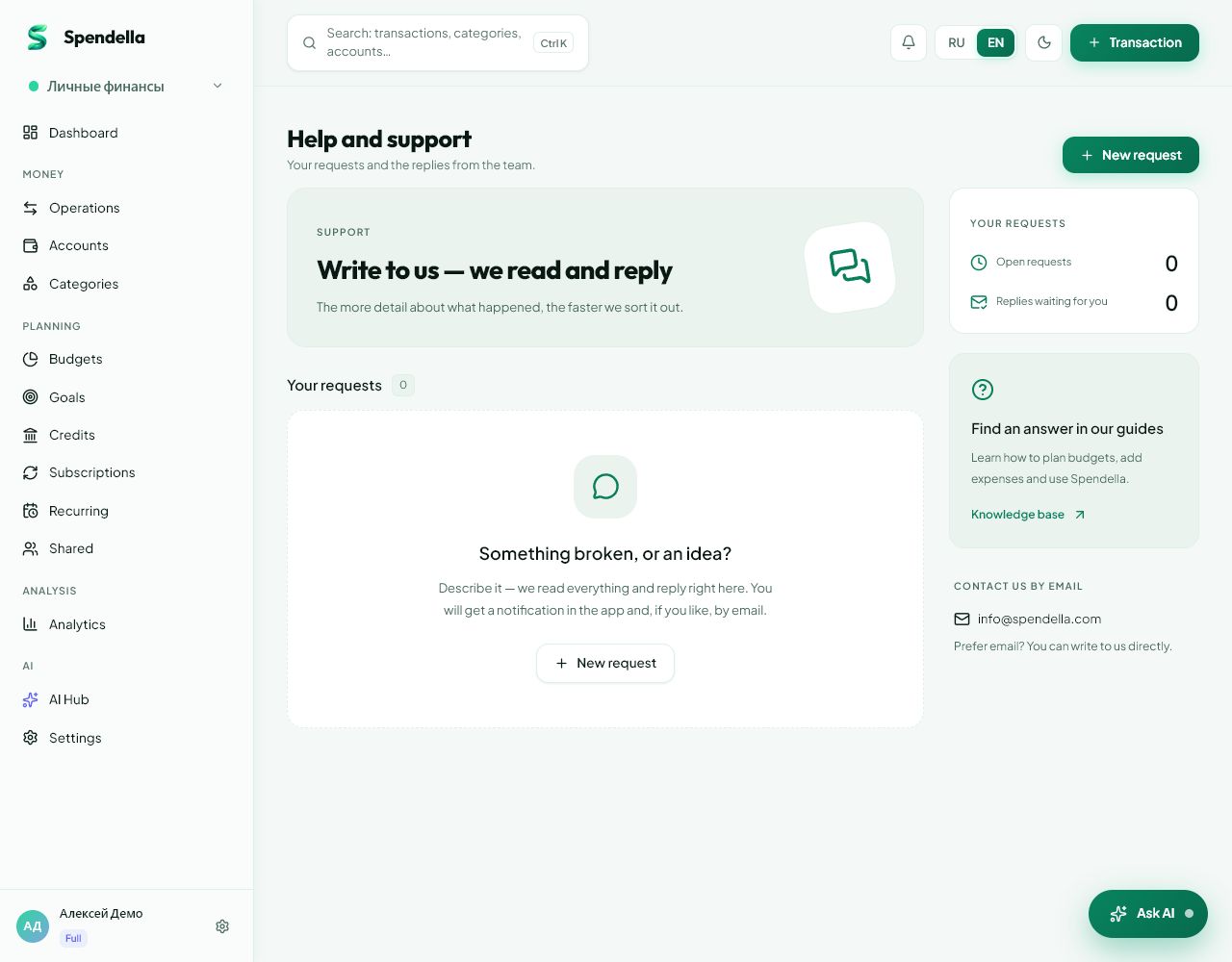
Check connection, account and workspace. Do not repeat a purchase entry until you know whether the first attempt was saved.
This guide covers the free plan — setting it up yourself takes a minute.Get started free →
Updated 7 September 2026
Where to find it
- On the website
- Refresh the page; account and workspace are in the menu.
- On Android
- Return to the section after connectivity resumes; check account and workspace in settings and More.
Get started free and open this section Sign up in a minute, no card needed. This exact section opens right after.
01
Before you start
The phone and website must use the same account and workspace. A connection error does not always tell you whether the server saved the entry.
02
What to do
- Check device internet access.
- Compare account email and workspace on the website and phone.
- Refresh the section and check dates and filters.
- After a save error, search for the amount and date before adding again.
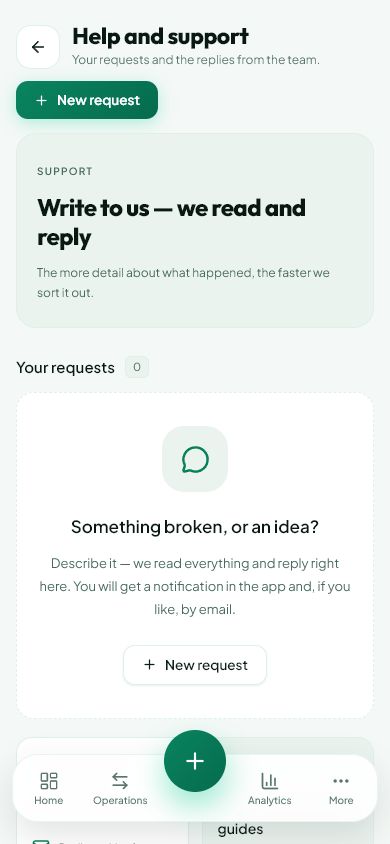
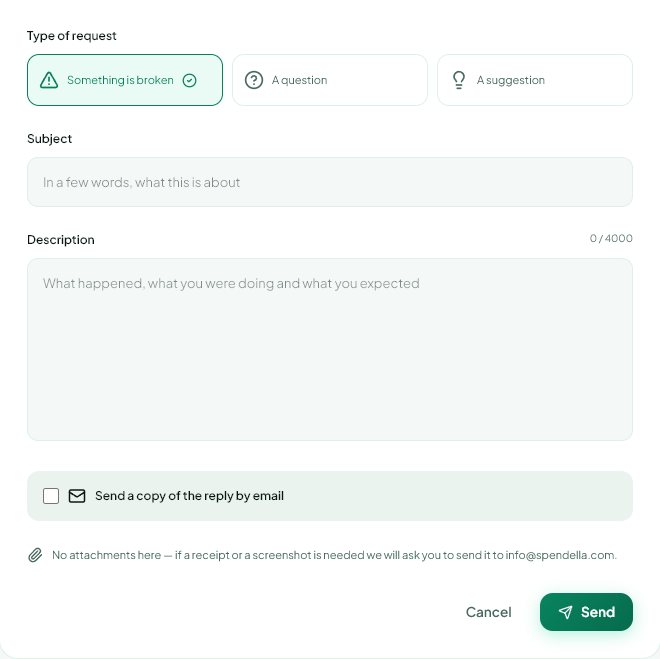
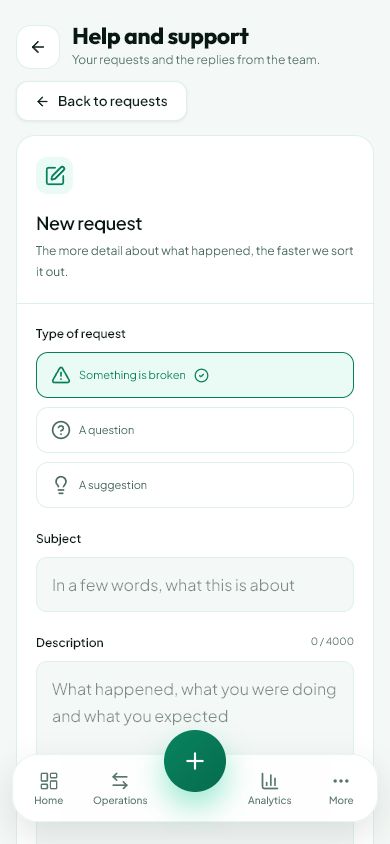
- If the problem persists, record the error, time and action and send them to support.
03
If something goes wrong
- Offline, do not assume every action is saved and sent later. Look for confirmation in the interface.
- Do not clear app data or reinstall as the first step; check sign-in and saved records first.
- An empty list may mean a filter, another account or workspace rather than deleted history.
What you should see
You either see updated records or have enough information to investigate the cause.
Try it yourself
Everything above is free.
No time limit, no card. Sign up and we open the section this guide is about.
Still need help?
Tell us which step you got stuck on. Support can help you work through it.
Contact support ↗Contact us without signing in