
Spendella / Knowledge base
Install or update the Android app
Spendella is available on RuStore. Install it from the store or download the APK from the official website. Use your existing account with either installation method.
Updated 9 September 2026
Where to find it
- On the website
- Open the Android page on the website.
- On Android
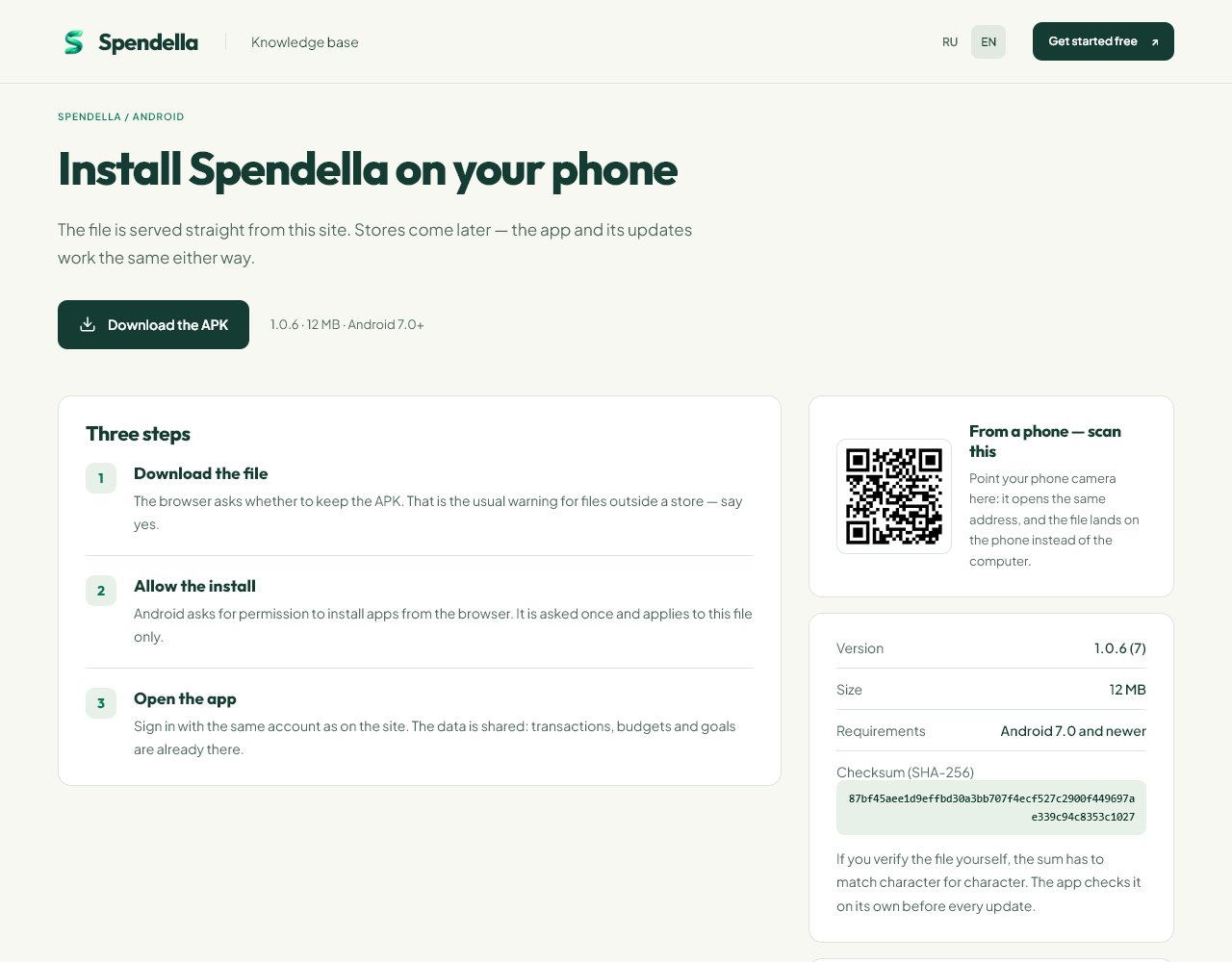
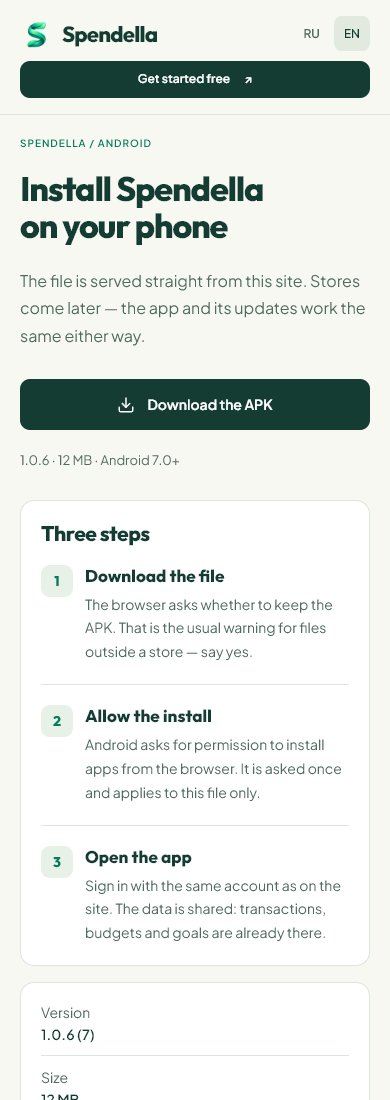
- Open spendella.com/android in the phone’s browser.
01
Before you start
The website and app use the same account. To see existing data, use the same sign-in method and email. Do not register again just to install the app.
02
What to do
- Open the official Android installation page.
- Choose “Download from RuStore” and install the app in the store. To install from the website, choose “Download the APK” and wait for the file.
- If you downloaded a file, open it. Android may ask to allow installation from that browser; grant this only if you intend to install the file.
- Finish installation and open Spendella.
- Sign into your existing account and check the workspace.
- Use the same installation source and app update instructions. Make sure you can sign in before reinstalling.
03
If something goes wrong
- Android will not install: check free space and the system error.
- For an installed-version conflict, do not remove the app at random. Tell support the old and new installation sources.
- Microphone, push and bank-notification access are separate permissions. Installation alone does not enable all of them.
What you should see
The app opens your account and the financial records available to it.
Get started
Get the Android app ↗Install or update the Android app
Still need help?
Tell us which step you got stuck on. Support can help you work through it.
Contact support ↗Contact us without signing in