
Spendella / Knowledge base
Add a subscription without duplicate charges
Record the service price, billing frequency and first date. Check automatic expense creation.
This guide covers the free plan — setting it up yourself takes a minute.Get started free →
Updated 7 September 2026
Where to find it
- On the website
- Menu → Subscriptions → add.
- On Android
- More → Subscriptions → add.
Get started free and open this section Sign up in a minute, no card needed. This exact section opens right after.
01
Before you start
This section tracks services you pay for, such as music, storage and apps. Spendella’s own plan is in billing settings, not this list.
02
What to do
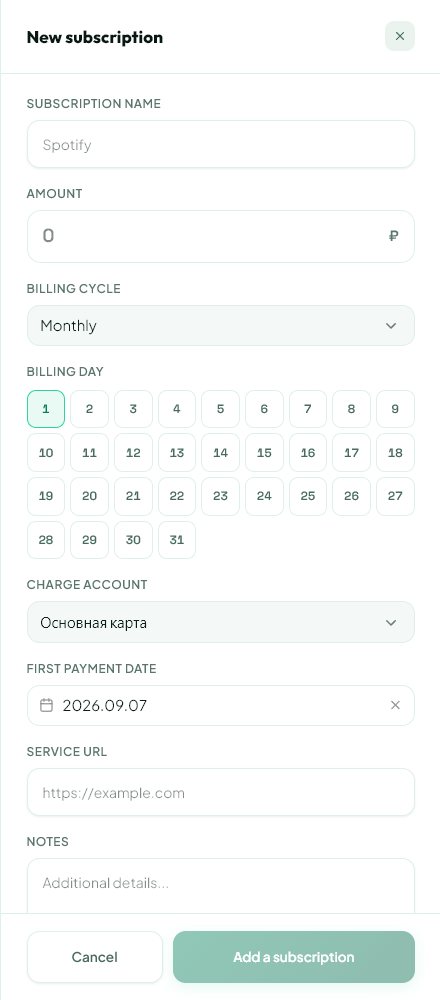
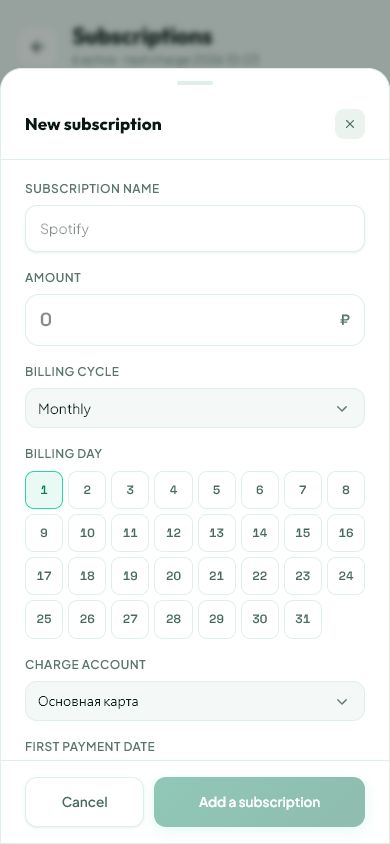
- Create a subscription and enter the service name.
- Set the amount per charge and frequency. For a custom interval, enter the number of days.
- Choose an account, category and first payment date.
- For a limited total with partial payments, enter total and already paid only from real records.
- Review automatic creation and past-transaction options: they can add expenses to your records.
- Save and reconcile the relevant transactions.
03
If something goes wrong
- Already importing the bank charge: make sure the automatic record is not a duplicate.
- Service price changed: edit the subscription.
- Disabling or deleting this entry does not cancel billing with the provider. Cancel where you subscribed.
What you should see
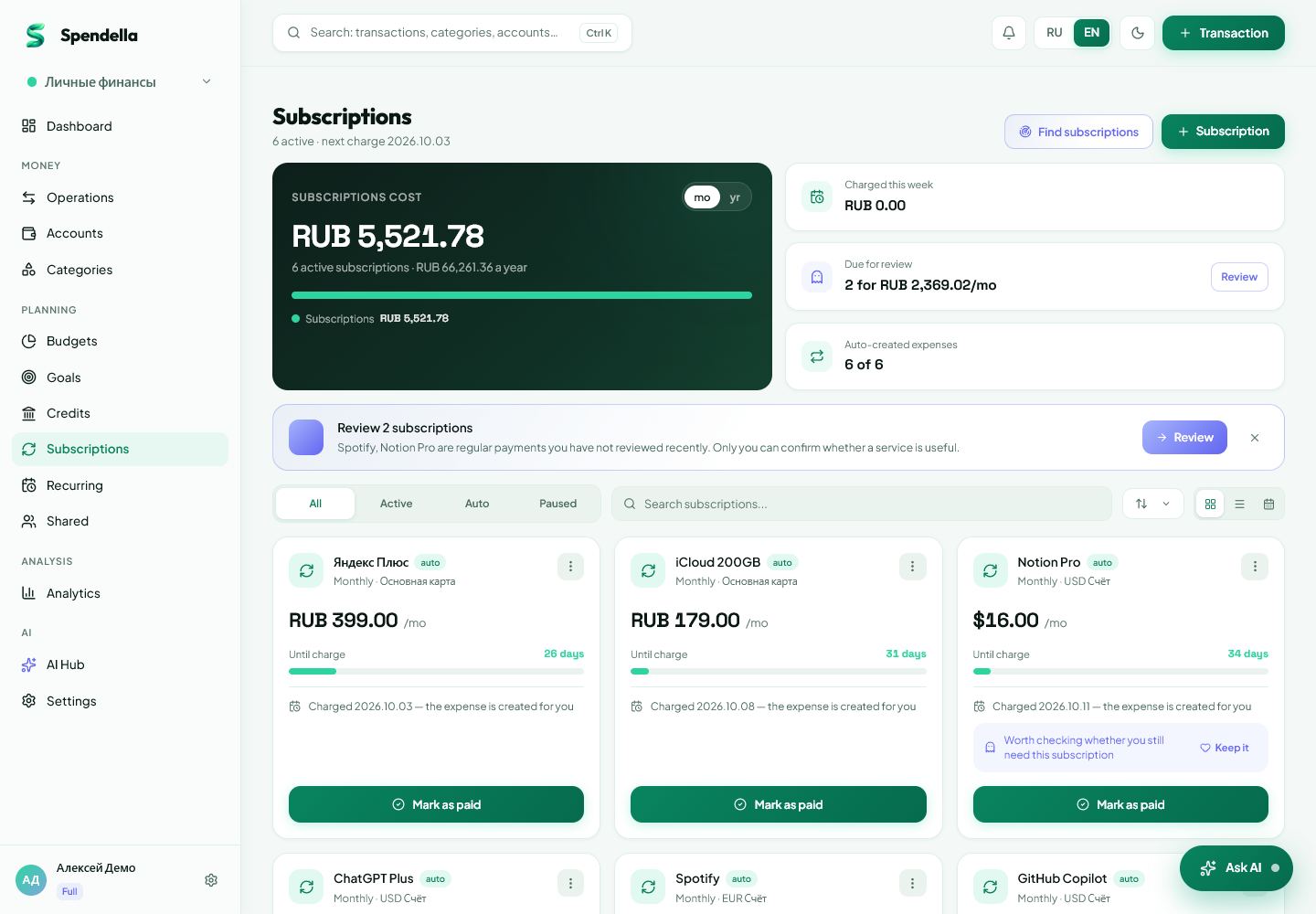
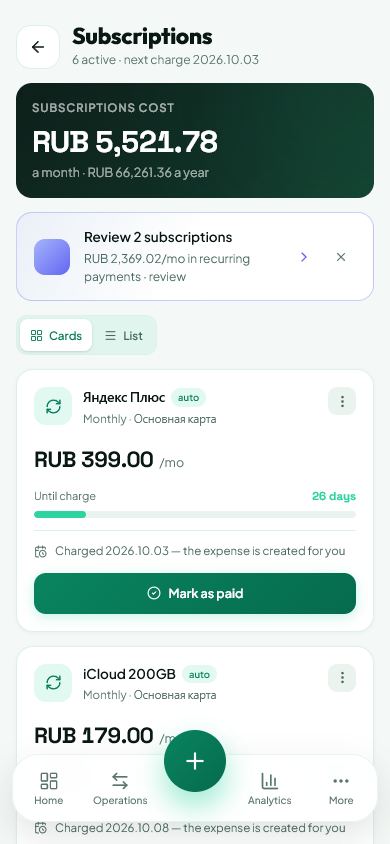
The subscription appears with its schedule and chosen tracking options.
Try it yourself
Everything above is free.
No time limit, no card. Sign up and we open the section this guide is about.
Still need help?
Tell us which step you got stuck on. Support can help you work through it.
Contact support ↗Contact us without signing in