
Spendella / Knowledge base
Understand where your money goes
Choose a period, look at the main categories, then review large expenses—in that order.
This guide covers the free plan — setting it up yourself takes a minute.Get started free →
Updated 7 September 2026
Where to find it
- On the website
- Menu → Analytics.
- On Android
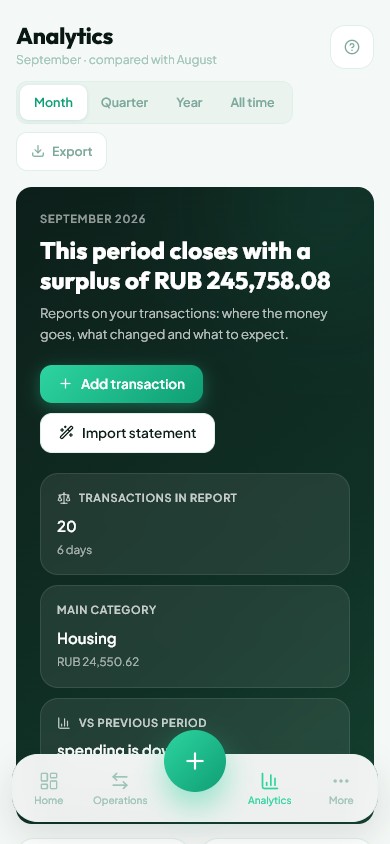
- Analytics on the bottom bar or in More.
Check the period first
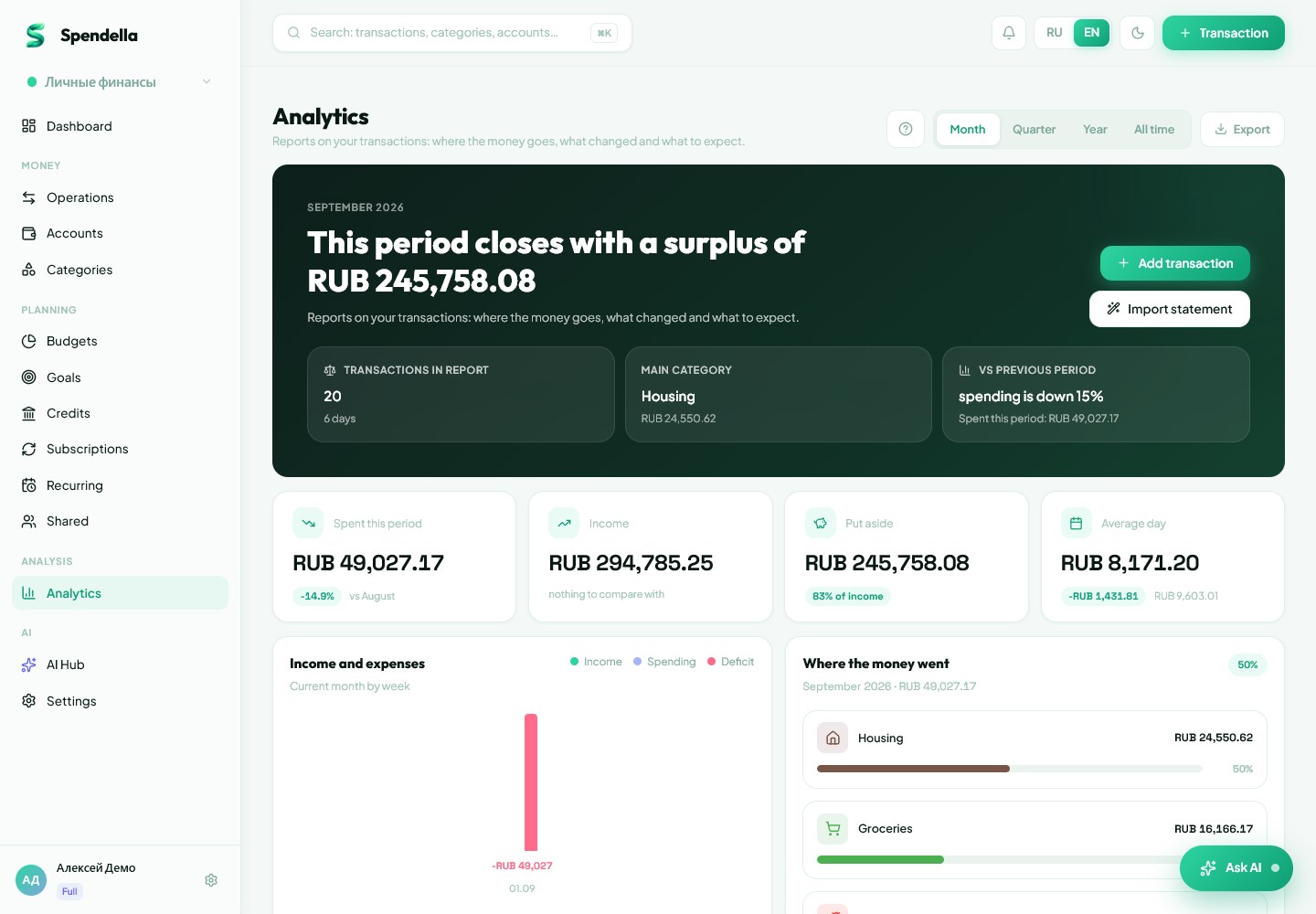
Open Analytics and choose a period. Reports use recorded transactions, so missing purchases mean incomplete expense totals.
- Check whether you are viewing personal finances or the intended shared workspace.
- Look at income and expenses for the selected period.
- If a number surprises you, check the source transactions before changing your budget.
Find spending you can influence
The category breakdown shows how much went to housing, groceries and other purchases. A large share is not automatically a problem: rent often costs more than everything else.
- Start with the two or three largest categories.
- Open Transactions and separate one-off purchases from routine spending.
- Use spending rhythm to see changes across days. One expensive purchase can noticeably shift the average.
Compare similar situations
A partly recorded month and a month with complete history can give a misleading comparison. Forecasts also depend on your entries and do not guarantee a future balance.
- Read the period label beside a comparison.
- To reduce spending, choose one category and set a budget.
- Return to the report in a week. This makes progress easier to judge than checking percentages after every purchase.
What you should see
You can identify the categories and purchases behind the period’s spending.
Everything above is free.
No time limit, no card. Sign up and we open the section this guide is about.
Still need help?
Tell us which step you got stuck on. Support can help you work through it.
Contact support ↗Contact us without signing in