
Spendella / Knowledge base
How to check a possible duplicate charge
Equal amounts do not always mean an error. First establish whether the record was duplicated or the bank actually charged you twice.
This guide covers the free plan — setting it up yourself takes a minute.Get started free →
Updated 8 September 2026
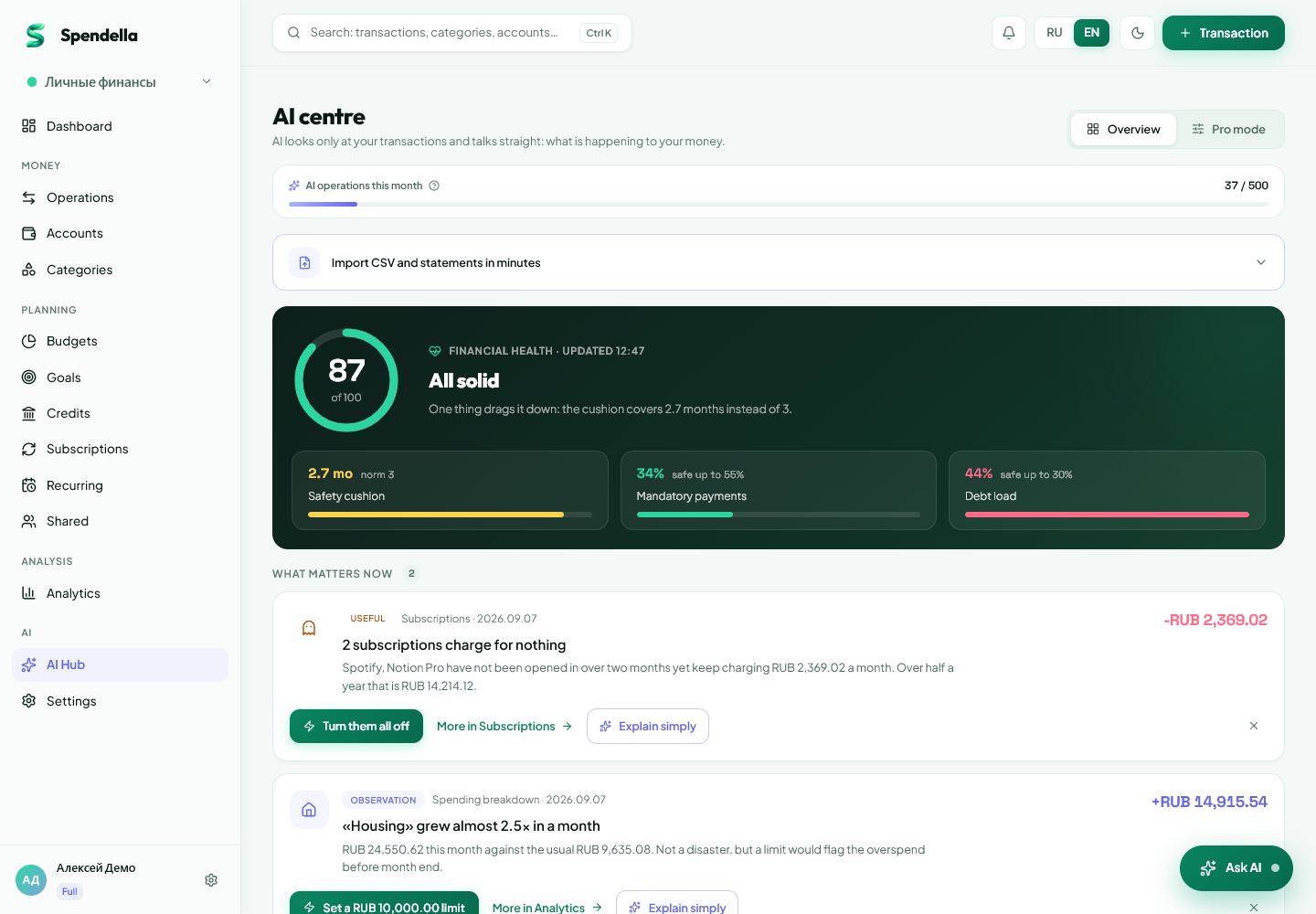
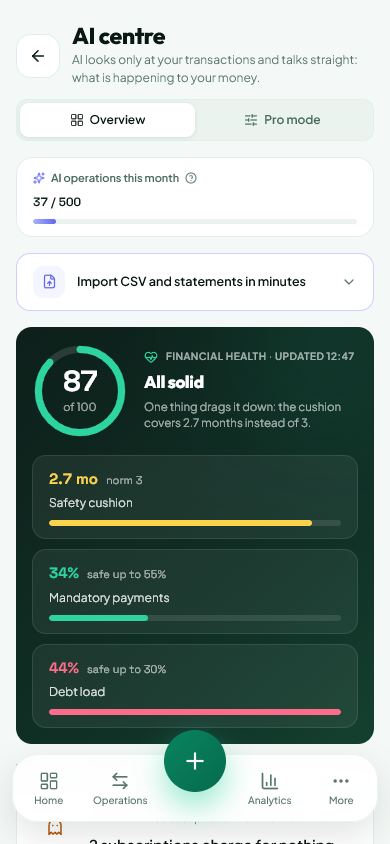
Where to find it
- On the website
- AI hub → Duplicates and accidental charges.
- On Android
- More → AI hub → tools → duplicates.
Get started free and open this section Sign up in a minute, no card needed. This exact section opens right after.
01
Steps
- Run duplicate detection and wait for possible matches.
- Compare account, date, amount and name in each pair. Two separate tickets can have the same price.
- Check the bank history to establish the number of actual charges.
- If there was one payment but two records, keep the correct record. Review the other record and its source before deleting it.
- If the bank charged twice, contact the merchant or bank. Spendella does not automatically submit a refund claim.
02
If the result is not what you expected
No matches does not guarantee that all charges are correct. Check manually if unsure. Do not delete every similar record at once.
What you should see
You distinguished a duplicate record from two real payments without deleting a valid transaction based on amount alone.
Try it yourself
Everything above is free.
No time limit, no card. Sign up and we open the section this guide is about.
Still need help?
Tell us which step you got stuck on. Support can help you work through it.
Contact support ↗Contact us without signing in