
Spendella / Knowledge base
Plan your money until payday
Even with a steady income, you may run short on a particular day. Compare income dates with essential payment dates.
This guide covers the free plan — setting it up yourself takes a minute.Get started free →
Updated 7 September 2026
Where to find it
- On the website
- Accounts and Recurring in the menu.
- On Android
- More → Accounts and Recurring.
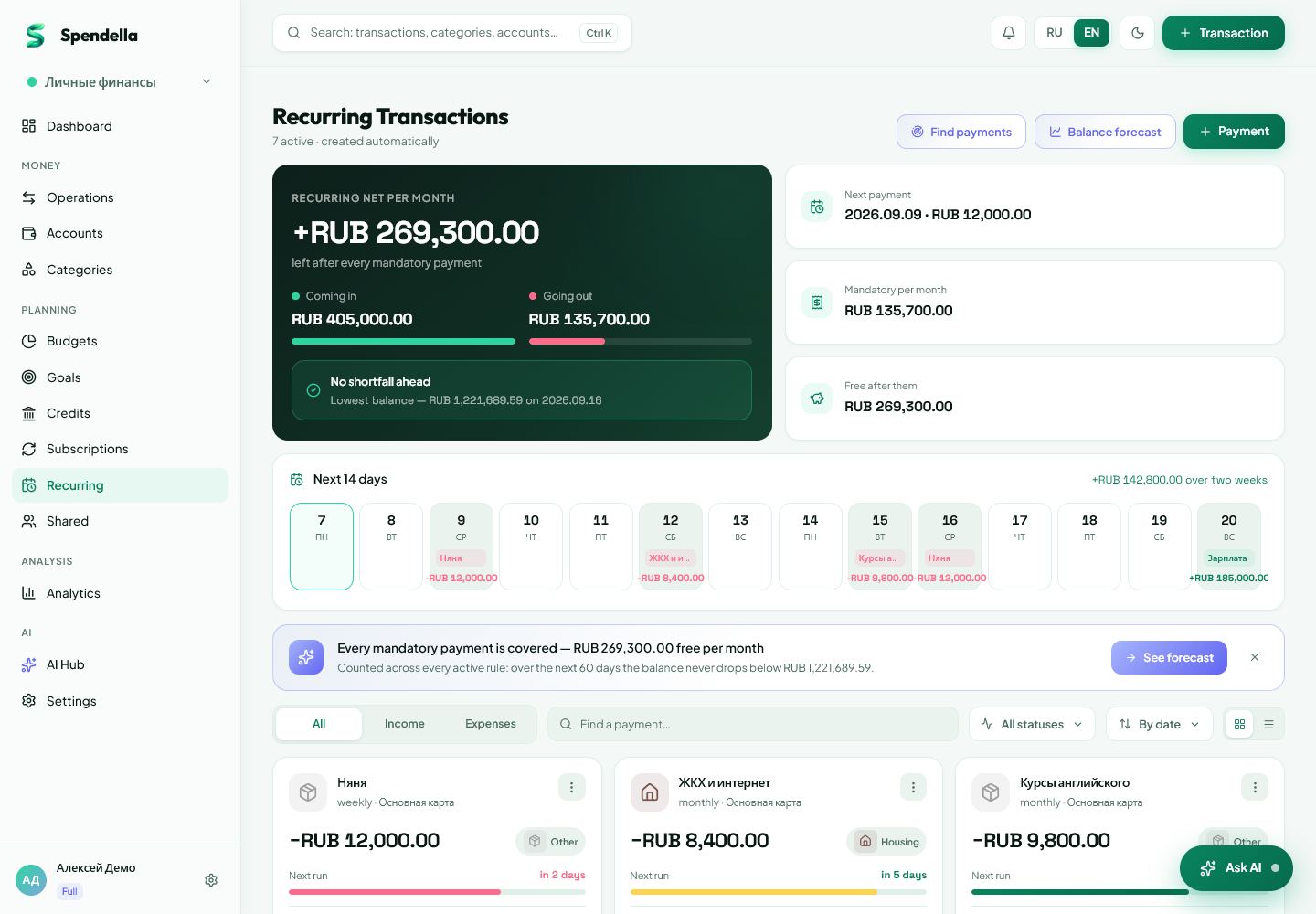
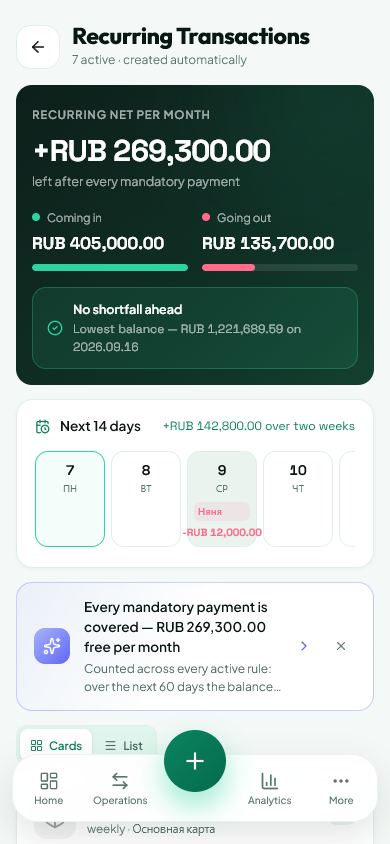
List upcoming payments
Check how much money is available now. Then list rent, loan payments, subscriptions and other essential costs due before your next income.
- Check your account balances.
- Add repeating payments in Recurring.
- Check the dates: a payment due tomorrow affects your available money differently from one due next month.
Estimate what is left
Subtract upcoming essential payments from available money. The remainder still needs to cover groceries, transport and other everyday purchases.
- Do not treat expected income as money already received.
- Allow some room for small unexpected costs.
- If you use a forecast, remember it only knows the data you have entered.
If there is a shortfall
First check for mistakes and missing income entries. Then decide which optional purchases can wait.
- Do not delete a real payment simply to hide the shortfall.
- Ask the payment recipient directly whether a due date can be changed.
- Update the plan when the date or amount actually changes.
What you should see
You can see which essential payments need covering before the next income.
Everything above is free.
No time limit, no card. Sign up and we open the section this guide is about.
Still need help?
Tell us which step you got stuck on. Support can help you work through it.
Contact support ↗Contact us without signing in