
Spendella / Knowledge base
How the balance forecast is calculated
The forecast is built from two different things: what you have already scheduled, and an estimate of your ordinary spending. The difference explains why the line sometimes looks surprising.
This guide covers the free plan — setting it up yourself takes a minute.Get started free →
Updated 7 September 2026
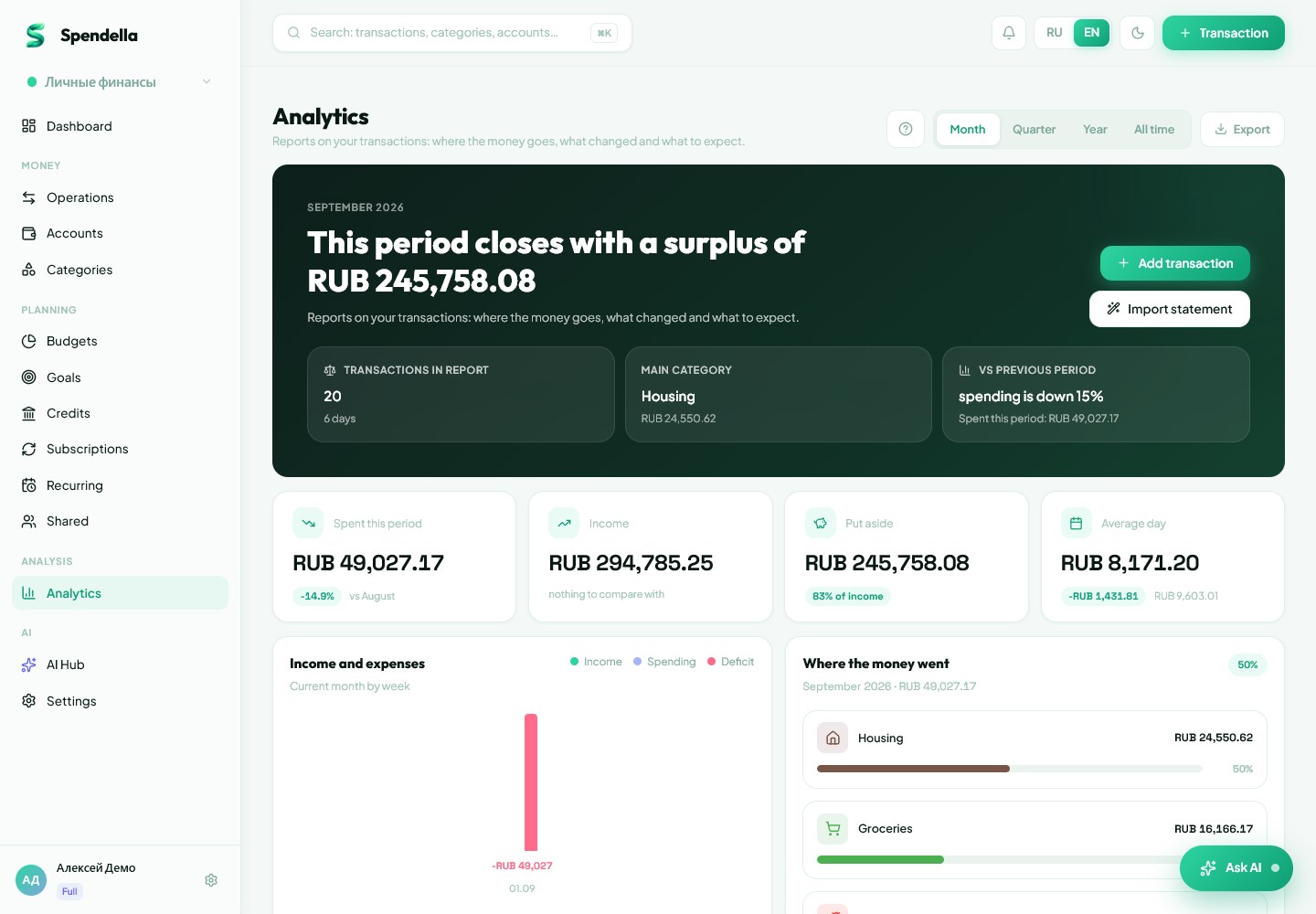
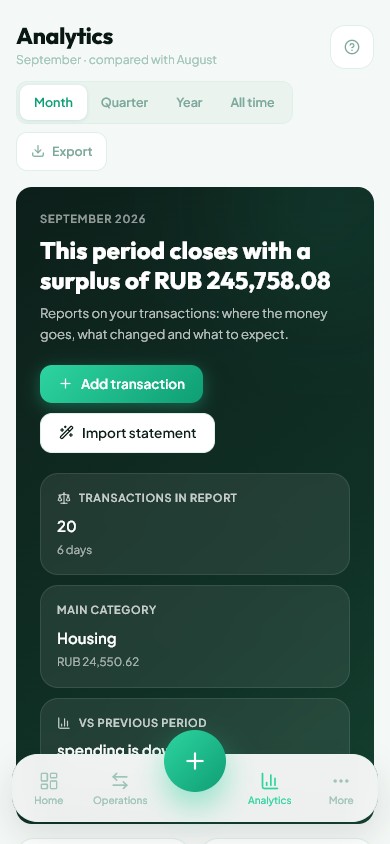
Where to find it
- On the website
- Menu → Analytics → Balance forecast.
- On Android
- Analytics in the bottom bar or under "More" → Balance forecast.
What it is made of
The line starts from the balance on your accounts. Each month the same number is added to it — the sum of two parts.
- The known part is your recurring payments and income. You set the amounts and dates yourself, so nothing here is guessed.
- The estimated part is ordinary spending and income, averaged over your last three months.
- History is divided by the months you have actually tracked, not always by three: a week of tracking is not understated fourfold.
Why recurring payments are not counted twice
A scheduled payment leaves an ordinary transaction behind. If the forecast counted both that transaction and the schedule, the same money would enter the calculation twice.
- Transactions created by a recurring rule are marked at that moment and stay out of the ordinary-spending estimate.
- This is not a guess from the title or amount: a one-off purchase is never mistaken for a recurring one.
- The mark stays on the transaction even if the rule itself is deleted. Deleting a payment and creating it again does not double the forecast.
What happens when a payment stops
A recurring payment that is switched off or deleted stops counting forward: the subscription ended, and there is nothing left to plan for.
- Its past charges are not projected forward either — otherwise the forecast would show spending that no longer exists.
- If you switched the rule off but keep paying by hand, the new transactions join the ordinary-spending estimate on their own.
- That takes about a month: while there is little data, the forecast will look more optimistic than reality.
What the forecast does not promise
It is arithmetic over your data, not a prediction. It knows nothing about a future bonus, a large purchase or a job change until you enter them.
- The fuller your history, the closer the estimate. Incomplete tracking paints too kind a picture.
- A month where the line dips below zero is a reason to check payment dates, not a finished conclusion.
- For exact dates within two months, look at the forecast above recurring payments: it counts by day, not by month.
What you should see
You understand which part of the forecast is known for certain and which is estimated from your history.
Everything above is free.
No time limit, no card. Sign up and we open the section this guide is about.
Still need help?
Tell us which step you got stuck on. Support can help you work through it.
Contact support ↗Contact us without signing in