
Spendella / Knowledge base
Record a transfer between your accounts
Moved money into savings or withdrew cash? Record a transfer so expenses are not overstated.
This guide covers the free plan — setting it up yourself takes a minute.Get started free →
Updated 7 September 2026
Where to find it
- On the website
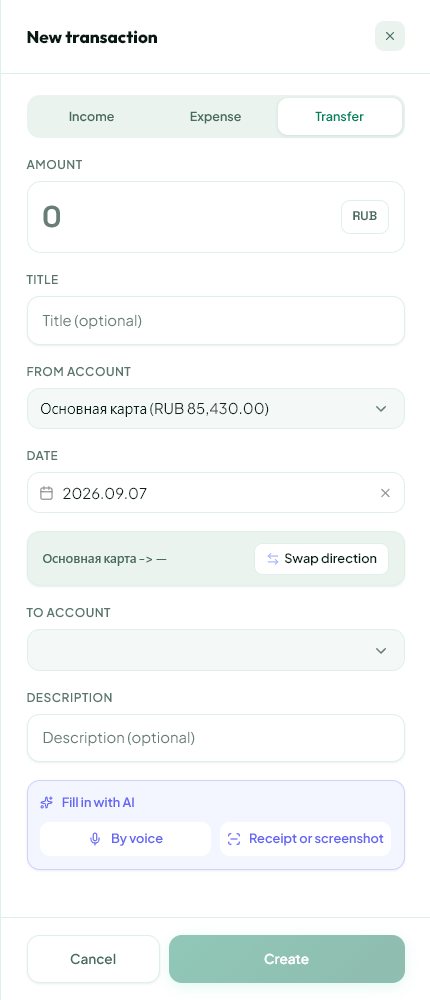
- Add transaction → Transfer.
- On Android
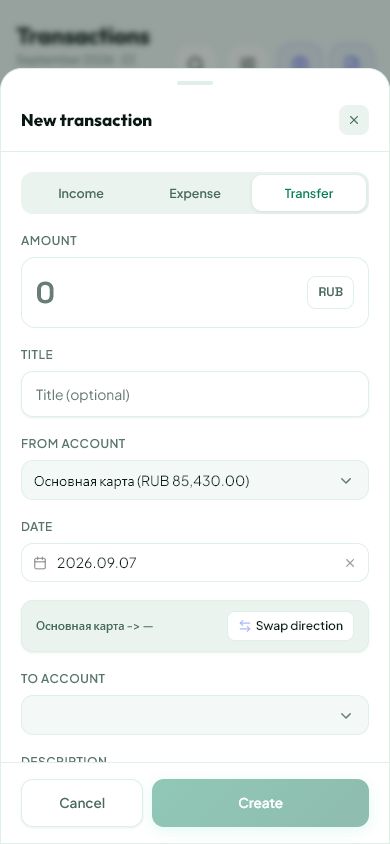
- Plus button → add transaction → Transfer.
Get started free and open this section Sign up in a minute, no card needed. This exact section opens right after.
01
Before you start
A transfer between your own accounts changes where money is held. It is not an ordinary purchase or new income. A cash withdrawal can be recorded as a transfer from your card to a Cash account.
02
What to do
- Make sure both accounts have been added.
- Open a new transaction and choose Transfer.
- Select the source and destination. Check the direction.
- Enter the amount and date. For different currencies, carefully check any received-amount or exchange-rate fields shown in the form.
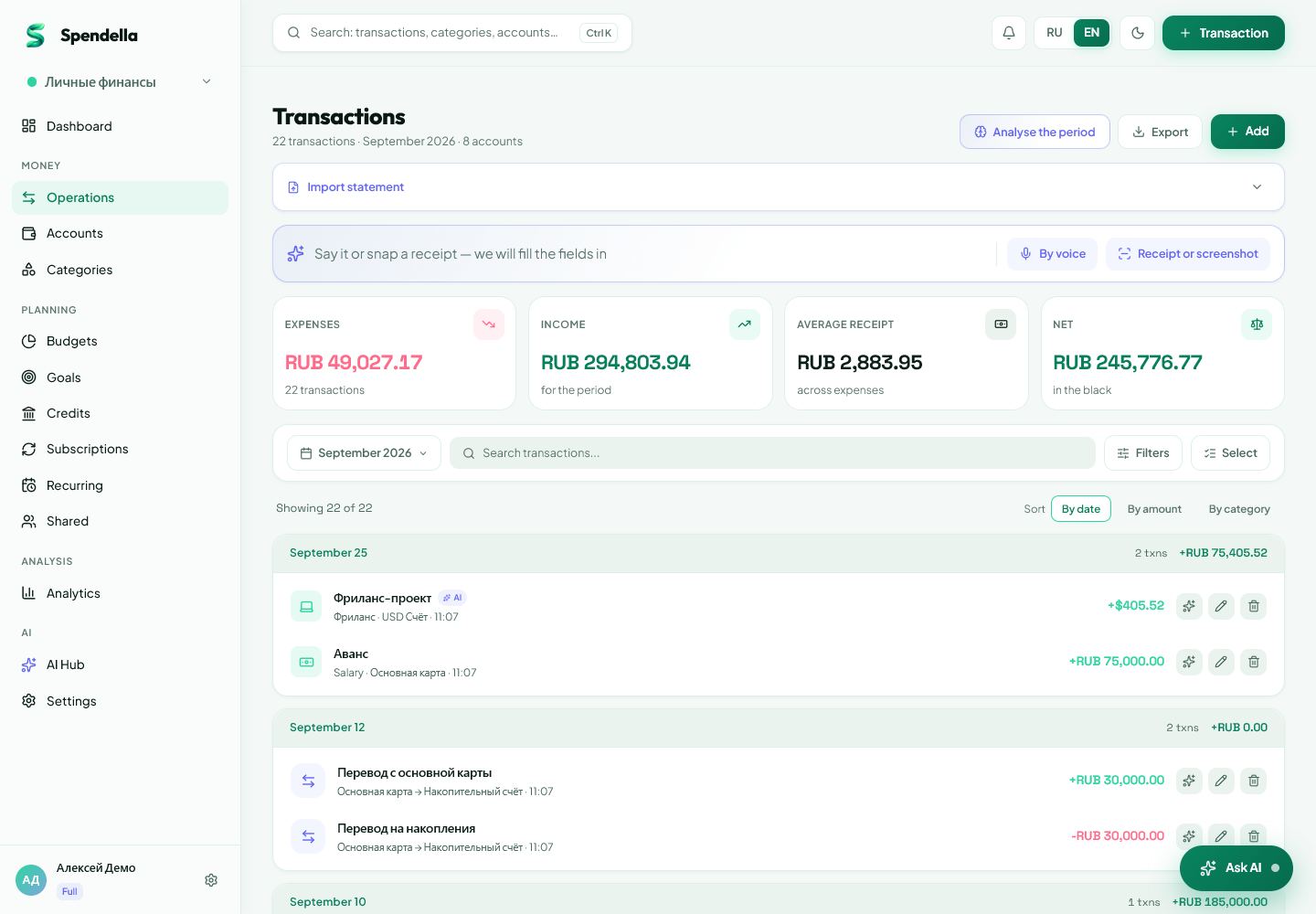
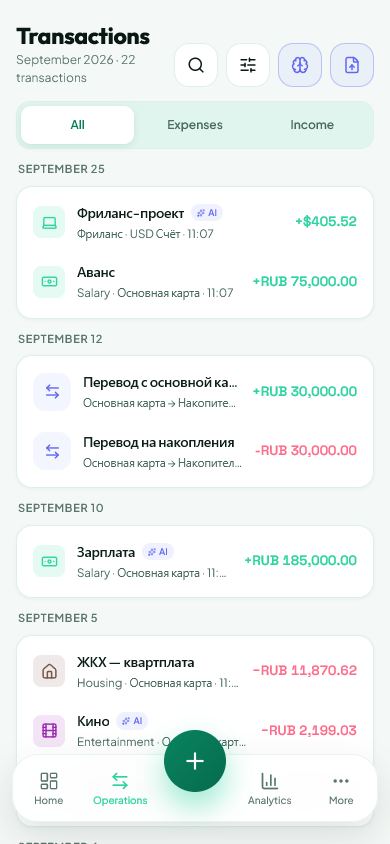
- Save and compare both account balances.
03
If something goes wrong
- Import classified a transfer as an expense: review its type before confirming.
- A bank fee is a separate expense; include it when reconciling.
- Do not create a second transfer just because both banks’ statements show a side of the same movement.
What you should see
One balance decreases and the other increases. Moving your own money should not look like an ordinary purchase.
Try it yourself
Everything above is free.
No time limit, no card. Sign up and we open the section this guide is about.
Still need help?
Tell us which step you got stuck on. Support can help you work through it.
Contact support ↗Contact us without signing in