
Spendella / Knowledge base
Use the AI chat
Ask questions about your finances and follow up in the same conversation.
This guide covers the free plan — setting it up yourself takes a minute.Get started free →
Updated 7 September 2026
Where to find it
- On the website
- AI chat; also available from AI Hub.
- On Android
- More → AI Hub → chat.
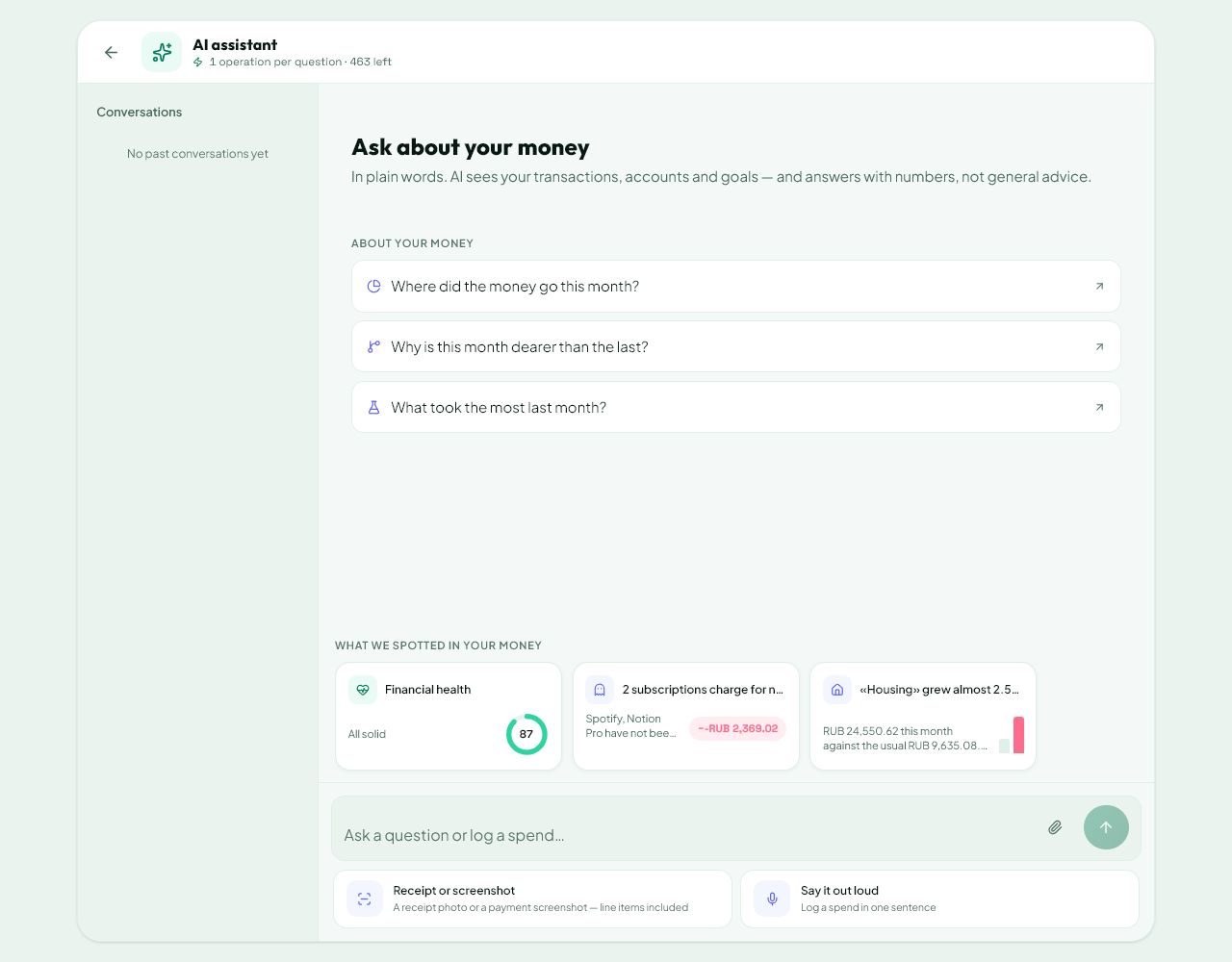
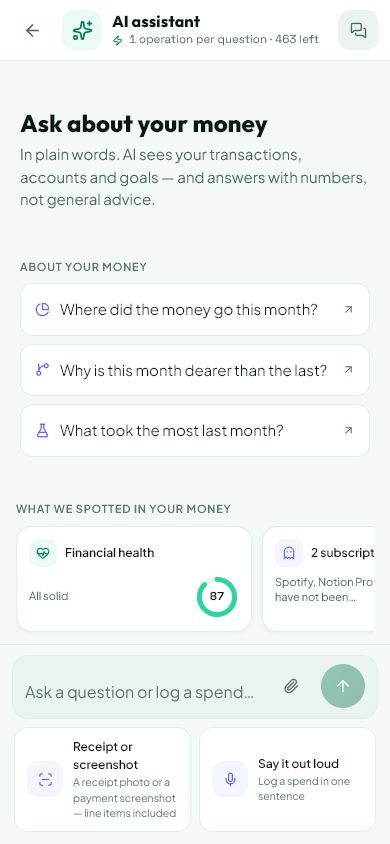
Ask about a clear period
Instead of “How am I doing?”, try “What did I spend the most on this month?” or “Which recurring payments do I have?”. This makes the answer easier to check.
- Open the AI chat.
- State the period and what you want to find out.
- If the answer is too general, ask “Break it down by category” or “Which of these repeat?”.
Continue the right conversation
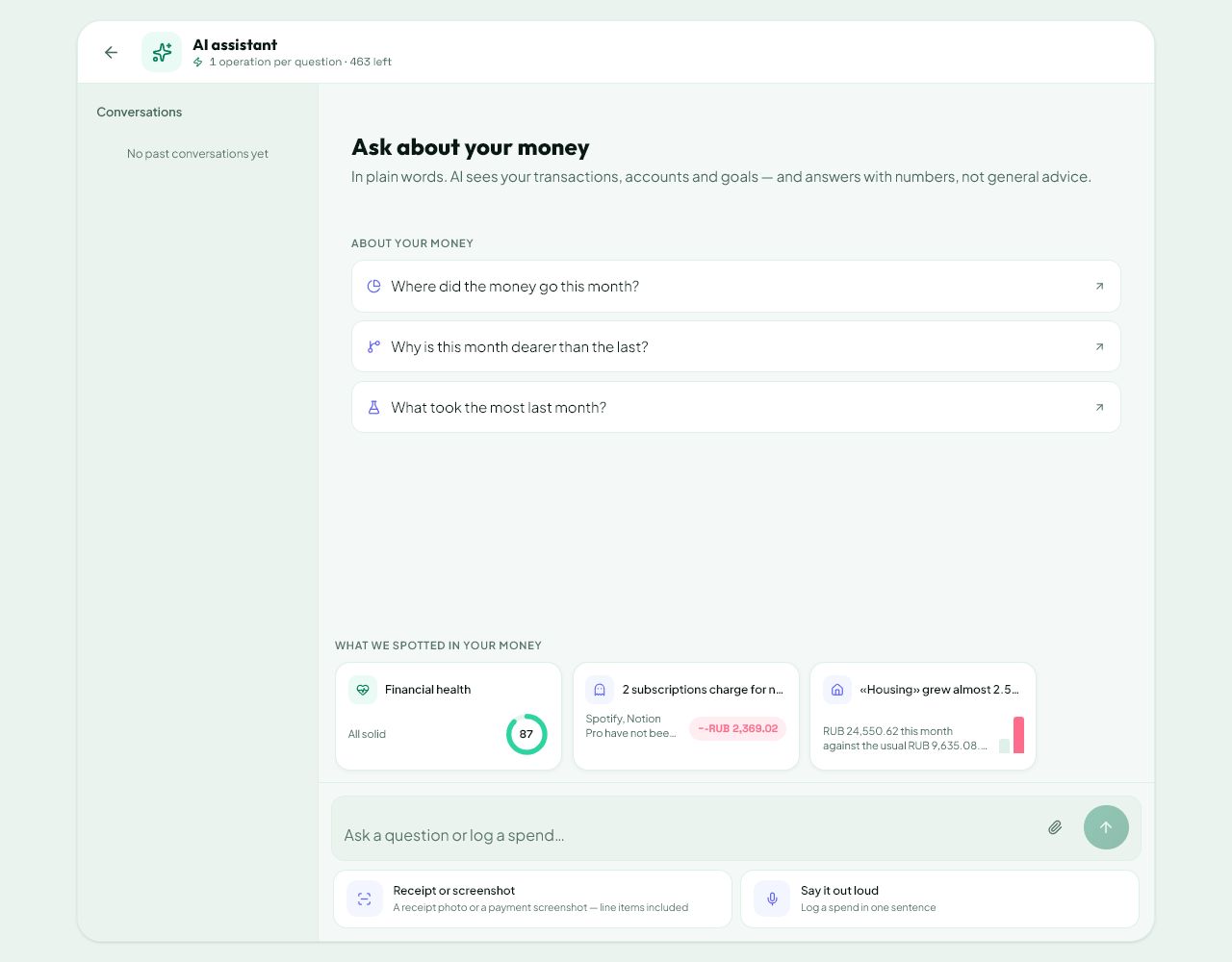
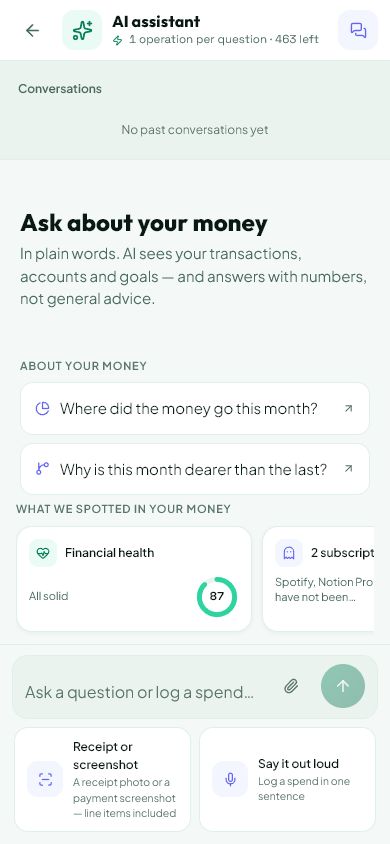
Select an earlier chat from history. Start a new one for a different subject so topics do not get mixed up. In a long conversation, restate important conditions.
- Open history and choose the chat you want to continue.
- Use the delete button to remove a chat; Android also supports swiping its row.
- Check the title before confirming: a deleted conversation cannot be continued from history.
Check the conclusions
AI helps explain your data but can make mistakes or lack relevant information. Its answer does not replace transaction records or make bank payments.
- Check important amounts against Transactions and Analytics.
- If a link opens a section, check the filters selected there.
- See your plan for available AI operations and usage terms. Do not send passwords, login codes or account details that your question does not need.
What you should see
You can follow up in the same conversation and check the answer against transactions.
Everything above is free.
No time limit, no card. Sign up and we open the section this guide is about.
Still need help?
Tell us which step you got stuck on. Support can help you work through it.
Contact support ↗Contact us without signing in