
Spendella / Knowledge base
Continue an earlier chat or delete conversations
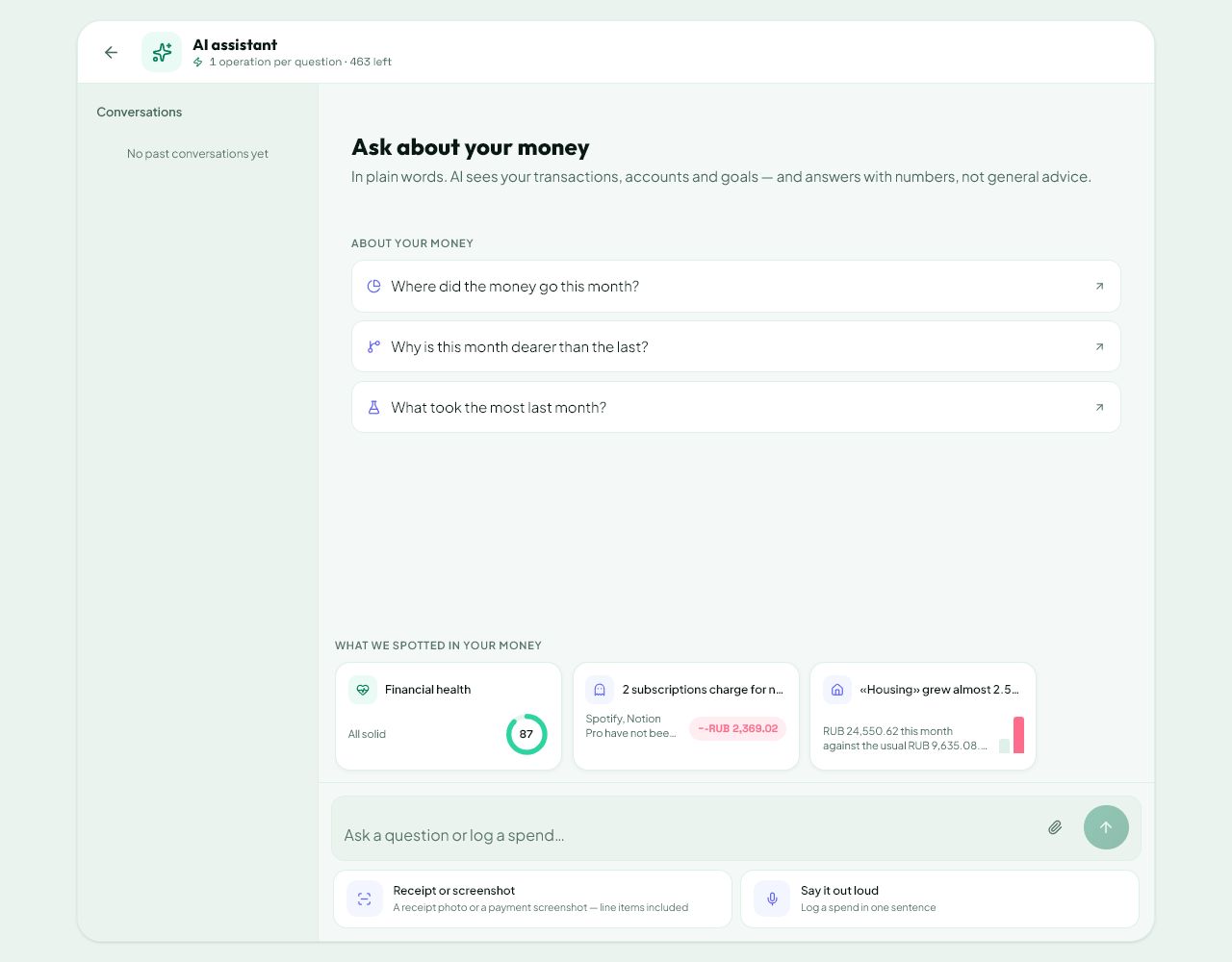
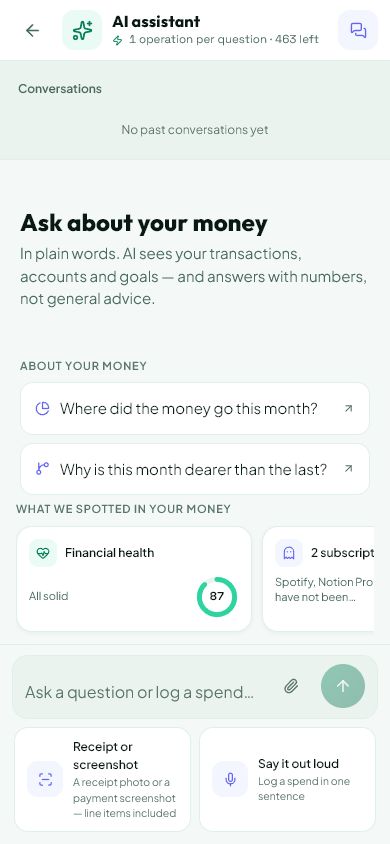
Choose a conversation from history to continue it. Deletion is a separate action with confirmation.
This guide covers the free plan — setting it up yourself takes a minute.Get started free →
Updated 7 September 2026
Where to find it
- On the website
- AI chat → conversation history.
- On Android
- AI chat → history button.
Get started free and open this section Sign up in a minute, no card needed. This exact section opens right after.
01
Before you start
Use a new chat for a new topic. Open an earlier conversation from history to continue it. Restate important conditions in long discussions: not every old detail is necessarily included in the current answer.
02
What to do
- Open chat history.
- Find a conversation by its title and select it.
- Check the latest messages and ask your follow-up in that chat.
- Use the new-conversation button for another subject.
- To remove a chat, use its delete button. On Android you can also swipe the row left.
- Read the confirmation and check that it names the intended conversation.
03
If something goes wrong
- Missing conversation: check the account, connection and selected workspace.
- Deleting a chat does not automatically remove financial transactions you previously confirmed. Review those separately.
- To follow up on an old answer, choose its conversation rather than starting a new one.
What you should see
The selected conversation opens with its messages. Deleted conversations disappear from history.
Try it yourself
Everything above is free.
No time limit, no card. Sign up and we open the section this guide is about.
Still need help?
Tell us which step you got stuck on. Support can help you work through it.
Contact support ↗Contact us without signing in